
How To Post A Request
Requests can be posted by normal users that are looking from something in particular. The idea is, you post the request and our site users will reply to your with their offers to fulfill your request. They should not be used to advertise services, as they should be put in the proper classifieds categories.
Requests can be anything related to the nature of our website. Maybe you want a particular escort service, or your looking for some used adult clothing of a particular type. It can be literally anything you want it to be, only your imagination is the limit.
To post a request you just need to press on the Post A Request option in the main menu (or the request icon in the mobile menu for our mobile device users) as shown in the screenshot below.

When you click this, you will be asked to log in if you are not already. If your are not yet registered on our site, you can also select the register option from the same screen.
Once registered and logged in, you will then see the add request screen. Simply complete the fields on the form and post your request.
Sending Direct Requests To Our Collaborators.
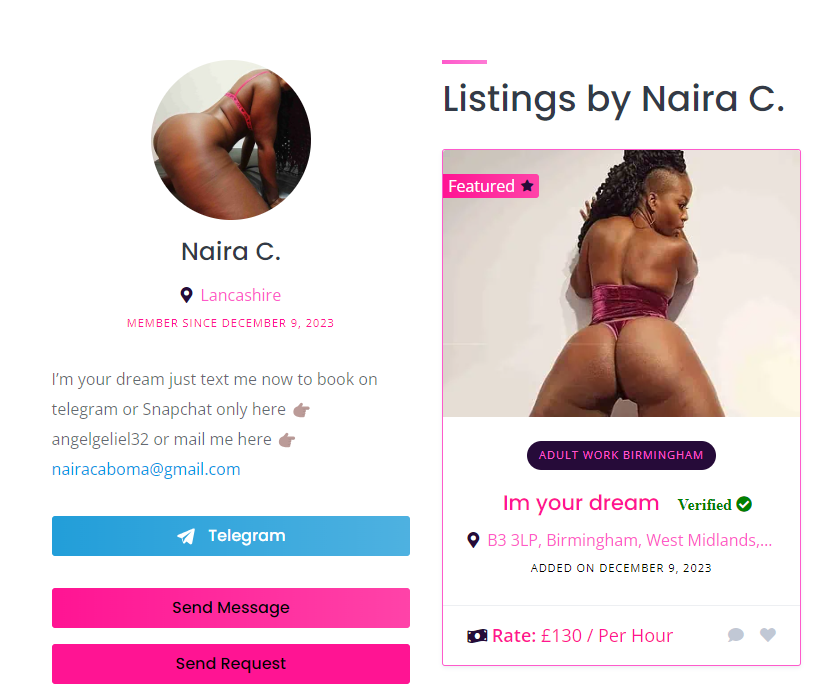
You can also send direct requests to individual collaborators. To do this you need to go to the collaborators profile page (which you can get to either by clicking on their name on their listings, or by finding them on the collaborators page.
Once one their page you will see the option to send them direct requests, as shown in the screenshot below:
Some important notes
1. All requests are moderated by us. To ensure they are suitable for the site. You will be notified by email once your request is live.
2. When a request is put live. An email containing your request details are automatically sent out to all our users, inviting them to make an offer. You will also be notified when any offers are submitted.
3. You can manage your requests from inside your user account area. To get to this area, once you are logged in you will see your username appear in the top menu of the website (of inside the mobile menu if your using a mobile device). Click this and you will see the user sub-menu appear, just select the requests option to go to the requests admin area. Please note this menu option will only appear if you have one or more active requests on our website.

 0 out of 0 people found this useful